For the last two weeks I've been fighting with the LastPass Extension. Often it would authenticate but would not open (only a small white box would appear beneath it when clicking). Credential counters on the extension would not appear either, and forms would not show the LastPass icon to enable clicking to populate username or password. This happened regardless of Chrome or Firefox and on different computers. It was insanely frustrating because it wasn't consistent. We cleared caches, installed/reinstalled, nothing fixed it and I had started working out of my vault screen instead of the extension which isn't efficient.
Today we determined that when LastPass relocated the Advanced Options\AutoFill Settings\URL Rules, for some insane reason, they enabled the "Port Matching" option for ALL of my rules. 😡
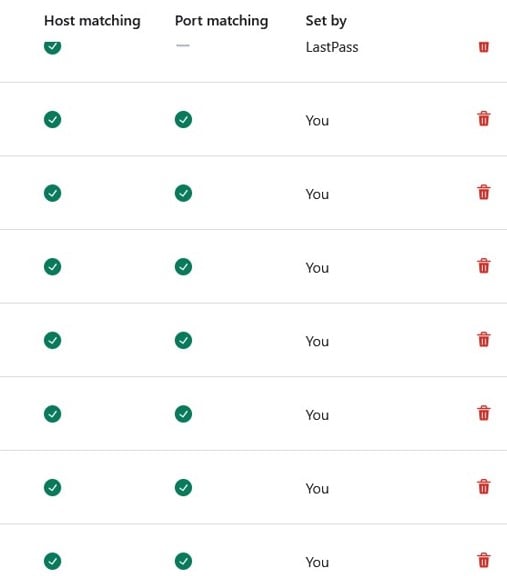
When adding a rule that option is NOT enabled by default and should be enabled only for specific URLs that use ports other than 80/443. Of course this UI update no longer allows one to edit the URL rules. I had to delete all ~40 that I had established, logout, restart the browser, log back into LastPass, and bingo, LastPass now opens and detects the sites as one would expect.
I'm sure this is causing issues for many other IT/Corporate users. Please make these entries editable so you don't need to completely delete them to fix this issue. Please figure out who the person was that pushed this UI change without realizing that defaulting to "port matching" enabled would disable functionality of the extension and make sure this doesn't occur in future updates.









