If you experience problems with LastPass on local and internal websites for now it seems the last working version is 4.138.3 from January 2005.
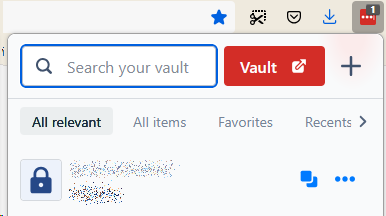
This is the broken menu in version 4.141.0 (same for 4.140):

So to revert to previous version:
- Right click on LastPass icon and select Manage addon.
- In Automatic updates section disable updates.
- Go to https://addons.mozilla.org/en-US/firefox/addon/lastpass-password-manager/versions/
- Find "Version 4.138.3".
- Click on "Download file" for that version.
It should work immediately. Just reload the website.
Same website with LastPass version 4.138.3.