Did you know you can customize your Community profile with your own image or avatar?
To change your profile image, fist click the User menu in the upper-right corner of any page, and select 'Profile':
 On the next page, just click directly on your Profile Image in order to change it:
 A pop-up will then appear, where the button 'Upload Image' will trigger upload options:
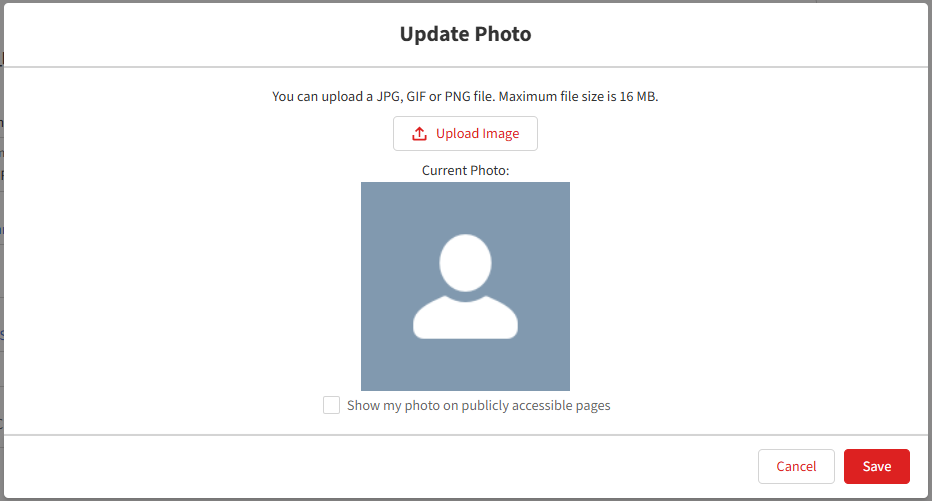
The final step is to 'Save' your changes, and you may always update your image later.
To change your Community Nickname, simply click the 'Edit' button located across from the current name within your profile:
 Once you've updated the Nickname field, just click 'Save' to finalize.









